
Electric Guitar & Bass Guitar
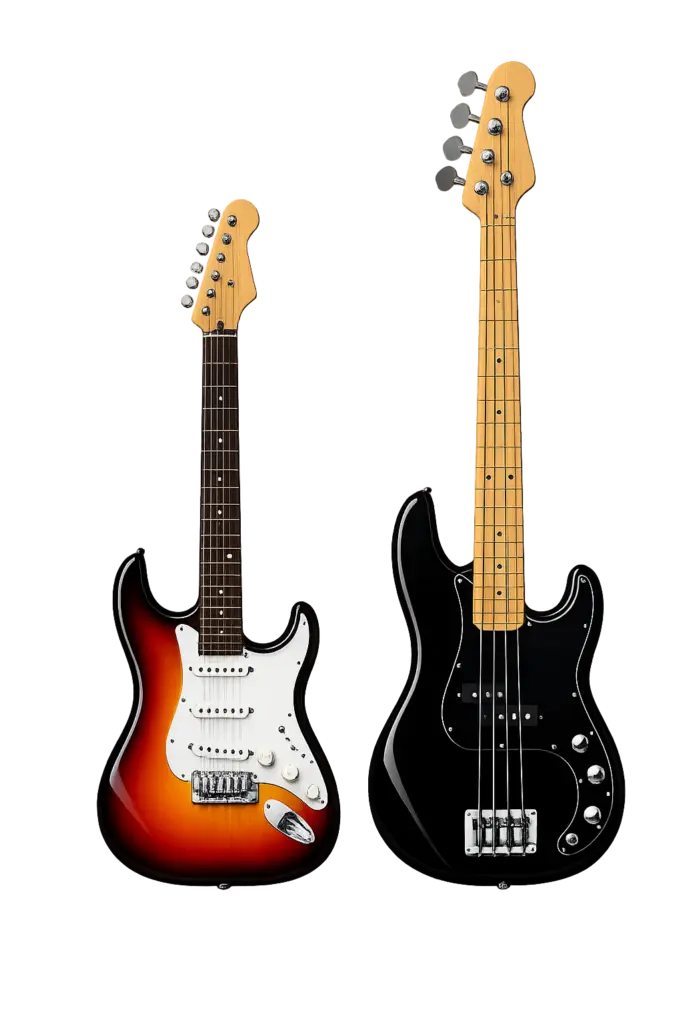
Electric Guitar & Bass Setup
There are two main ways to connect your guitar or bass for an online rehearsal:
Mic your amplifier
Plug directly into an audio interface
Choose whichever setup works best with your equipment.
Option 1: Mic Your Guitar or Bass Amp
Use this method if you want the other musicians to hear the sound coming directly from your amplifier.
Guitar or Bass → Amplifier → Microphone → Audio Interface → Computer
Plug your guitar or bass into your amplifier as you normally would.
Connect a microphone to your audio interface.
Place the microphone in front of the amplifier speaker.
Start with the microphone about 2–6 inches from the speaker grille.
Connect your audio interface to your computer by USB.
Open FarPlay and select your audio interface as your input and output device.
Play your instrument and adjust the input gain on your audio interface.
Keep the level strong enough to be heard clearly without clipping or distortion.
Use headphones during rehearsal to prevent feedback.
Tip: You do not need to turn your amplifier up loudly. A microphone placed near the speaker can pick up your amp at a comfortable room volume.
Using a Headset Microphone
If your headphones include a microphone, the headset microphone may also be used to pick up the sound of your amplifier.
Position yourself close enough to the amplifier for the headset microphone to hear both you and your instrument clearly.
This is a simple option if you want to use your amplifier without setting up a separate microphone.
Keep in mind that your voice and amplifier will be picked up by the same microphone, so their levels cannot be adjusted independently. You can also use headphones without a microphone if you are using a microphone separately to mic your voice.
Want Separate Control of Your Voice and Amp?
For separate control, use two audio inputs:
Input 1 → Microphone for your amplifier
Input 2 → Microphone for your voice
This allows the amp and your voice to be adjusted independently.
Your audio interface will need at least two available inputs for this setup.
Option 2: Plug Directly Into an Audio Interface
This is usually the simplest setup and eliminates the need to microphone your amplifier.
Guitar or Bass → Audio Interface → Computer
Plug your guitar or bass into the instrument input on your audio interface using a standard 1/4-inch instrument cable.
If your interface has an INST, Hi-Z, or Instrument setting, turn it on for that input.
Connect the audio interface to your computer by USB.
Open FarPlay and select your audio interface as your input and output device.
Play your instrument and slowly raise the input gain.
Adjust the gain so your playing is clear without clipping or distortion.
Plug your headphones into your audio interface.
Test your sound before rehearsal.
Adding a Microphone for Your Voice
If you want the band leader and other musicians to hear your voice while your guitar or bass is connected directly, use a second input on your audio interface.
Input 1 → Guitar or Bass
Input 2 → Vocal Microphone
This allows FarPlay to receive both your instrument and your voice.
A two-input audio interface is recommended if you want independent control of your instrument and microphone.
Using Effects or an Amp Modeler
If you use pedals, a pedalboard, multi-effects processor, or amp modeler, you can connect it before the audio interface:
Guitar or Bass → Pedals / Amp Modeler → Audio Interface → Computer
Adjust the output of your effects equipment so the signal does not overload the audio interface.
Guitar vs. Bass
The basic setup is the same for both instruments.
For bass, plugging directly into an audio interface can be especially convenient because it provides a clean signal without needing to microphone a bass amplifier.
Important: Use Headphones
Headphones are required during online rehearsals.
They allow you to hear the rest of the band without the rehearsal audio being picked up again by your microphone.
Not Sure Which Setup to Use?
If you’re unsure how to connect your guitar or bass, contact us with the equipment you have — including your amplifier, audio interface, microphone, headphones, pedals, or amp modeler — and we’ll help you determine the simplest setup.