
Brass and Woodwinds
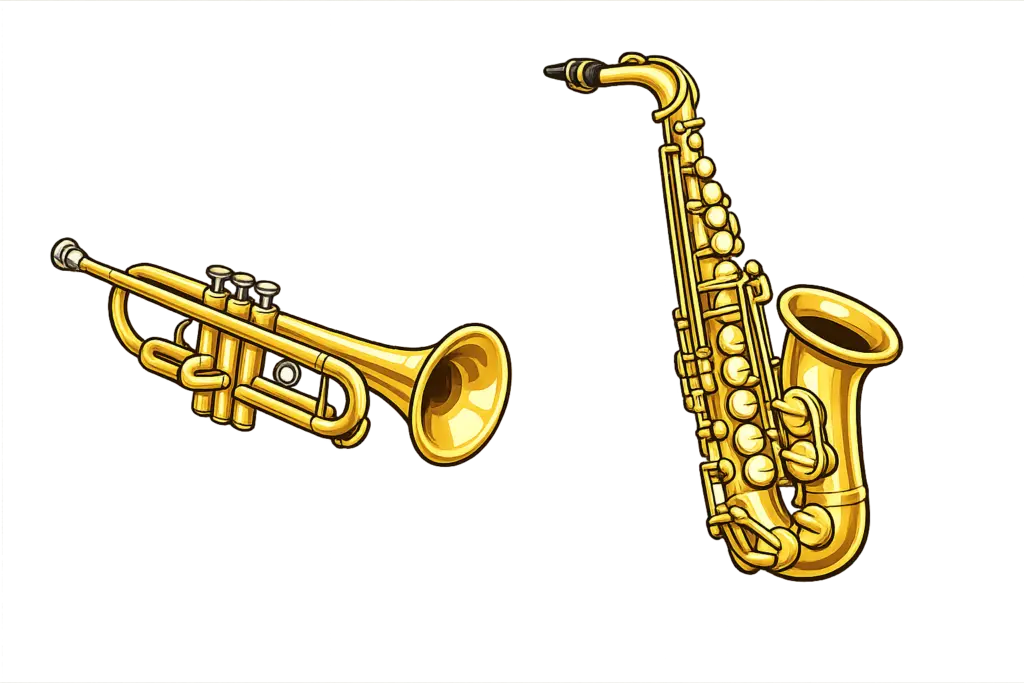
Woodwind & Brass Setup
Woodwind and brass instruments need a microphone so the other musicians can hear your instrument during an online rehearsal.
There are two simple options:
Use the microphone built into your headphones or headset
Use a separate microphone connected to an audio interface
Option 1: Use a Headset Microphone
If your headphones have a built-in microphone, you may be able to use it for both your instrument and your voice.
Instrument → Headset Microphone → Computer
Connect your headset or headphones with microphone to your computer.
Open FarPlay and select the headset microphone as your audio input.
Play your instrument and check the input level.
Adjust the microphone position and input level until your instrument can be heard clearly without distortion.
Test both your instrument and your speaking voice before rehearsal.
Watch Your Microphone Placement
Brass and woodwind instruments can be much louder than the human voice, especially close to the bell.
If the microphone is too close to your instrument, the sound may clip or distort.
Start with the microphone farther away from the bell and test your loudest notes. Move the microphone or adjust the input level as needed.
For headset microphones: Avoid positioning the microphone directly in front of the instrument’s bell. A microphone near your mouth can often pick up both your voice and instrument without being directly in the instrument’s sound path.
Option 2: Use a Separate Microphone and Audio Interface
For greater control and sound quality, you can use a separate microphone connected to an audio interface.
Instrument → Microphone → Audio Interface → Computer
Connect your microphone to an input on your audio interface.
Position the microphone near your instrument, but not directly against the bell.
Connect the audio interface to your computer by USB.
Open FarPlay and select your audio interface as the input and output device.
Play some of your loudest notes and adjust the input gain.
Make sure the signal is strong without clipping or distortion.
Plug your headphones into the audio interface.
Test your instrument and speaking voice before rehearsal.
Microphone Placement
Every instrument projects sound a little differently, so you may need to experiment with microphone placement.
Flute: Position the microphone near the instrument, but avoid aiming it directly at the embouchure hole to reduce excessive breath noise.
Clarinet: Avoid placing the microphone directly at the bell. Much of the clarinet’s sound comes from the entire instrument, so a microphone positioned a short distance away can work well.
Saxophone: Position the microphone a short distance from the instrument and aim toward the general area between the bell and keys rather than placing it directly inside or immediately in front of the bell.
Trumpet, Trombone & Other Brass: These instruments can produce very high sound levels. Keep some distance between the bell and microphone and avoid pointing the bell directly into a headset microphone.
Your Voice
For the simplest setup, one microphone can pick up both your instrument and your speaking voice.
If you want separate control of your instrument and voice, you can use two microphones connected to a two-input audio interface:
Input 1 → Instrument Microphone
Input 2 → Vocal Microphone
For most rehearsals, however, a single microphone that picks up both your instrument and voice should work well.
Important: Use Headphones
Headphones are required during online rehearsals.
They allow you to hear the rest of the band and the backing tracks without that sound feeding back into your microphone.
Not Sure About Your Setup?
If you’re unsure how to connect your instrument, contact us with your instrument, microphone or headset, and audio interface (if you have one), and we’ll help you determine the simplest setup.